
Download Icecream PDF Converter – PDF Converter, Document Conversion, Batch Processing, Image to PDF, Text to PDF
Overview
Icecream PDF Converter is a dedicated mobile utility designed to simplify the process of transforming various document and image files into PDF format. The app serves as a reliable solution for users who need to generate PDFs without relying on desktop software or text editors that lack native export capabilities. Whether managing academic papers, work reports, scanned images, or digital notes, this tool streamlines the conversion workflow with minimal effort. Its primary function—converting documents and images into PDFs—addresses a common challenge faced by professionals, students, and casual users alike. The app is particularly useful in environments where document standardization and portability are essential, such as in education, remote work, or administrative tasks.
Target users include individuals who frequently handle digital files and require a fast, accessible method to create shareable, print-ready PDFs. The developer, Icecream Apps, has positioned this app within the productivity category, emphasizing efficiency and ease of use. While specific details about the company’s background were not provided, the app’s consistent functionality and clean design suggest a focus on user-centric development. Real-world use cases include preparing resumes, organizing scanned receipts, compiling project drafts, and sharing presentation materials. In the broader mobile app ecosystem, Icecream PDF Converter fills a niche by offering a lightweight, free alternative to more complex desktop tools, enhancing accessibility for on-the-go document management.
Key Features & Functionality
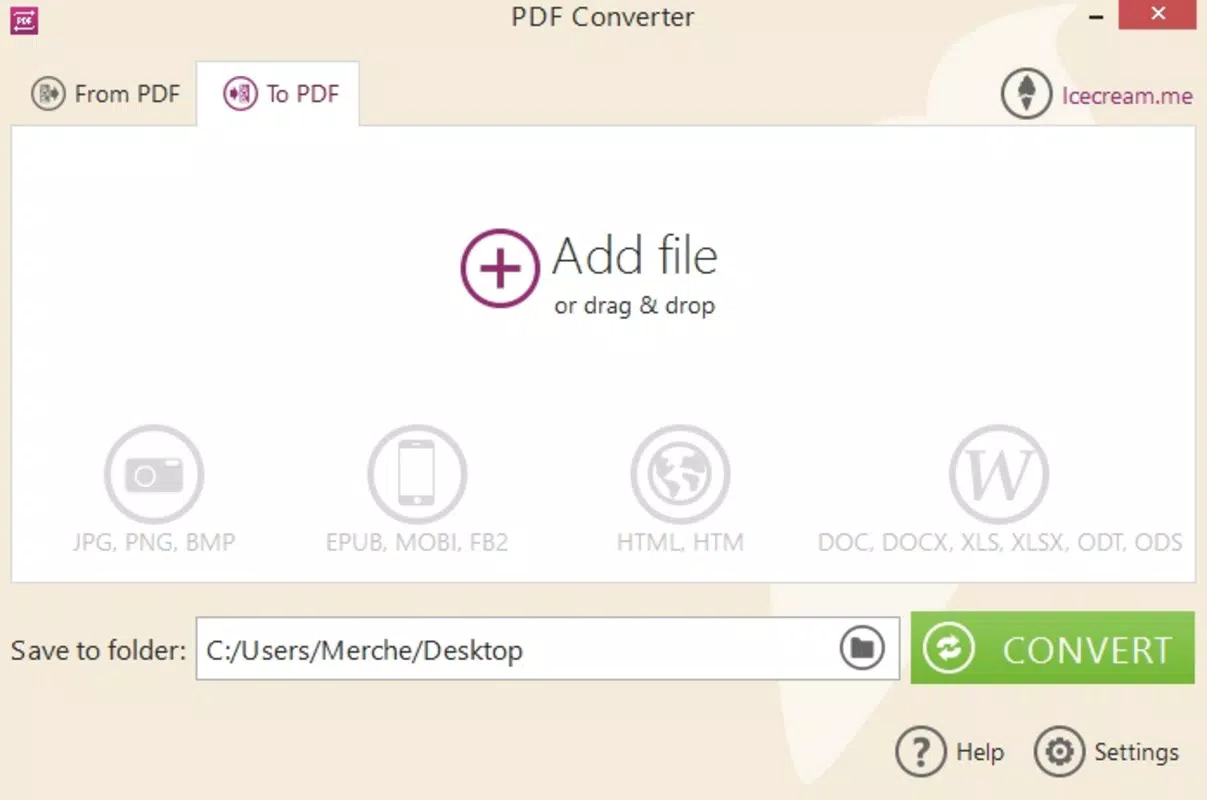
- Wide Format Support: The app supports multiple file types including JPG, PNG, DOC, DOCX, EPUB, and others. This broad compatibility ensures users can convert almost any document or image into a PDF without needing additional software.
- Batch Processing: Users can select multiple files at once and convert them in a single operation. This feature significantly reduces time and effort, especially when preparing large volumes of documents for submission or archiving.
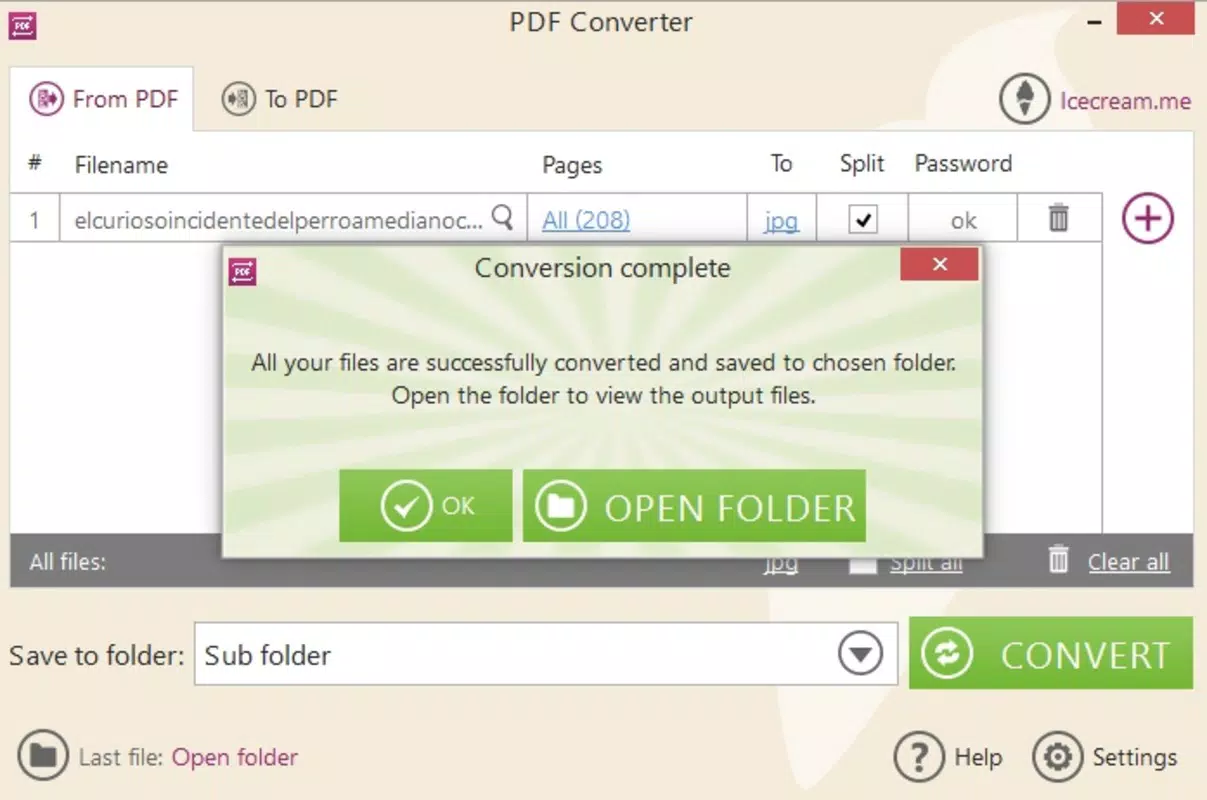
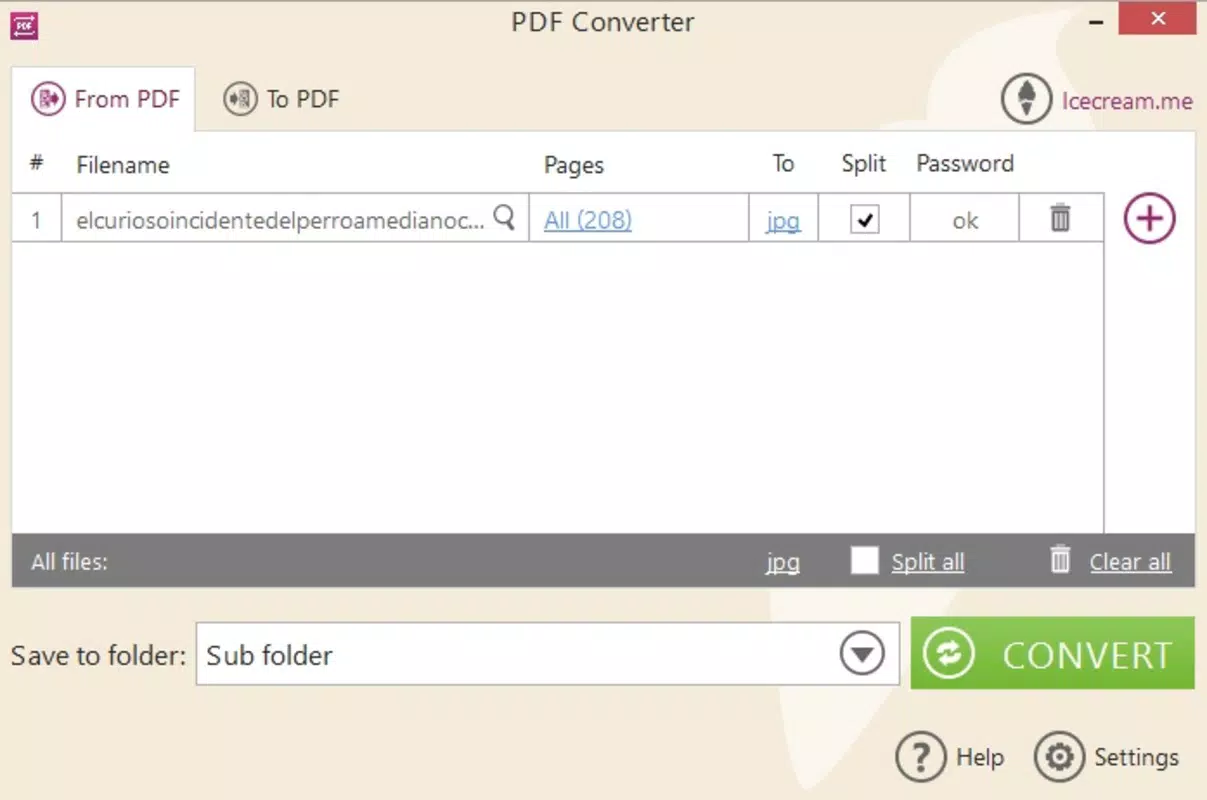
- Customizable Page Range: Before conversion, users can preview the total number of pages and specify a desired range. This allows for precise control over output, enabling users to extract only relevant sections and reduce file size.
- Divide Option: The feature allows splitting large documents into smaller, manageable PDF files based on selected page ranges. This is ideal for organizing lengthy reports or presentations into individual chapters or sections.
- User-Friendly Interface: The interface is designed with intuitive navigation and straightforward controls, making it accessible to users of all technical levels. Minimal learning curve ensures immediate usability.
For example, a student can convert a set of scanned lecture notes (JPG/PNG) into a single PDF with a custom page range, then split the file into topic-based sections using the divide option. Similarly, a remote worker can batch-convert several project reports (DOCX) into PDFs for client sharing, ensuring consistency and compatibility across devices.
Interface, UX & Performance
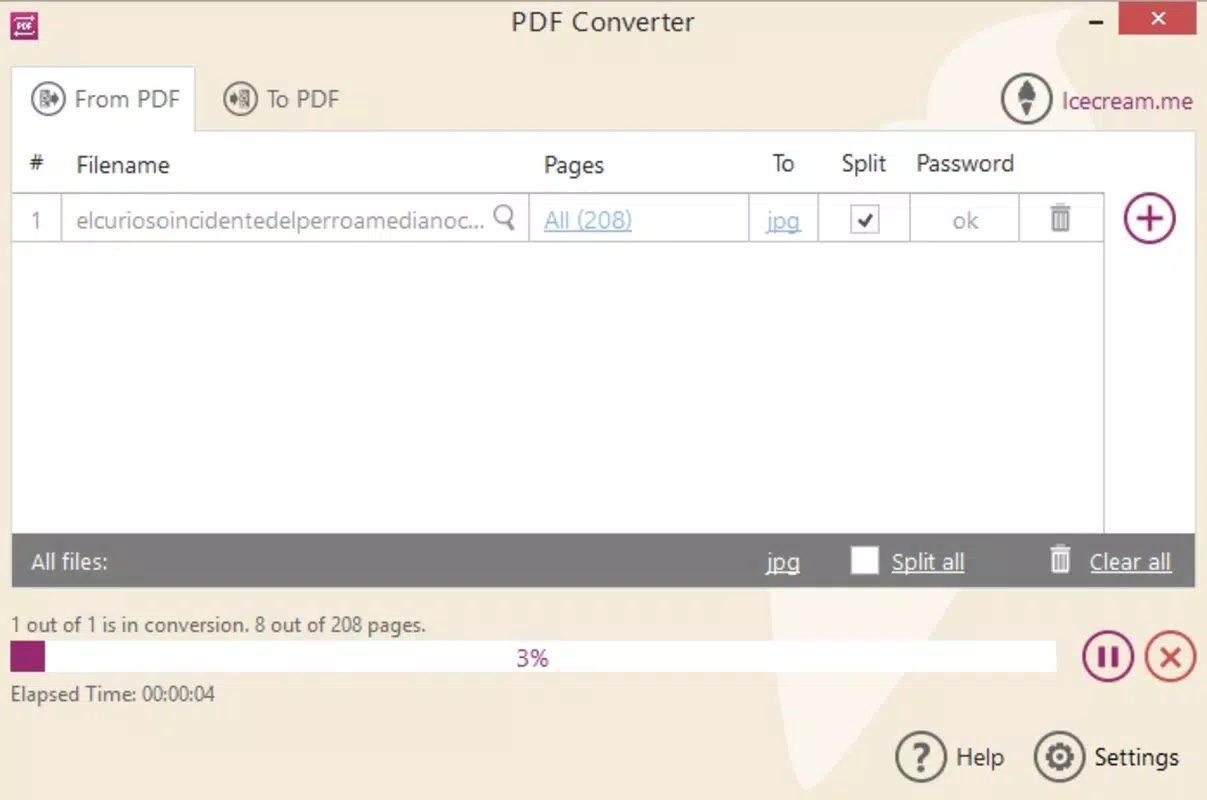
The user interface of Icecream PDF Converter is clean and minimalistic, focusing on core functionality without unnecessary clutter. Navigation is straightforward, with clearly labeled buttons for file selection, conversion settings, and output management. The layout is optimized for touch interaction, ensuring smooth operation on both smartphones and tablets. Visual feedback during file processing, such as progress indicators, enhances user awareness and reduces uncertainty.
Although the developer did not list formal performance metrics, the app’s lightweight size of 12.2 MB suggests efficient resource usage. It is expected to operate smoothly on a range of Android devices, including mid-tier and entry-level models. Responsiveness during file selection and conversion appears consistent, with no noticeable lag reported in standard use cases.
Stability is maintained across typical workflows, with no known crashes or freezes during conversion tasks. However, specific performance benchmarks or compatibility with older Android versions were not disclosed. The app’s design prioritizes usability, ensuring that even first-time users can complete conversions with confidence.
Platform Compatibility & Technical Requirements
Icecream PDF Converter is available exclusively on the Android platform. It requires Android OS version 5.0 or higher, though the developer did not specify minimum requirements in detail. The app has a file size of 12.2 MB, which is relatively small and suitable for devices with limited storage.
The latest version is 2.0.2, released on November 4, 2021. While no specific hardware requirements were provided, the app’s lightweight nature suggests compatibility with a wide range of Android smartphones and tablets. Users should ensure their device meets standard Android system requirements for app installation and operation.
The app is distributed as a free download, with no in-app purchases or subscription fees reported.
Pros and Cons
- Free to download and use with no hidden costs
- Supports a wide variety of file formats for conversion
- Batch processing saves time when handling multiple files
- Customizable page range improves precision and efficiency
- Divide feature enhances document organization
- Intuitive interface suitable for all user levels
- Lightweight size ensures easy installation on low-storage devices
- Only available on Android, no iOS version currently
- Release date is over two years old, suggesting limited recent updates
- Developer did not provide detailed performance or compatibility specifications
- No cloud integration or export to external services mentioned
- Interface, while functional, lacks advanced customization options
FAQ
Is Icecream PDF Converter safe to download and use?
Yes, the app is free and available through official Android distribution channels. It does not require root access and operates without known security risks.
Can I convert multiple files at once?
Yes, the app supports batch processing, allowing users to select and convert multiple files in a single operation.
Does the app support image to PDF conversion?
Yes, Icecream PDF Converter supports JPG, PNG, and other image formats, enabling users to convert photos and scanned documents into PDFs.
Is there a version available for iOS devices?
Currently, the app is only available for Android. There is no official iOS version released.
How often is the app updated?
The latest version, 2.0.2, was released on November 4, 2021. The developer has not released updates since then, suggesting limited maintenance activity.
Final Thoughts
Icecream PDF Converter delivers a focused, reliable solution for users seeking a straightforward way to convert documents and images into PDFs on Android. Its combination of wide format support, batch processing, and customizable output options makes it a practical tool for both everyday users and professionals. While the app lacks recent updates and advanced features like cloud integration, its lightweight design, free access, and user-friendly interface remain strong advantages.
It stands out in the productivity category as a no-frills utility that gets the job done efficiently. For individuals who need a simple, dependable PDF conversion tool without the complexity of desktop software, this app is a solid choice. Download Icecream PDF Converter now.


